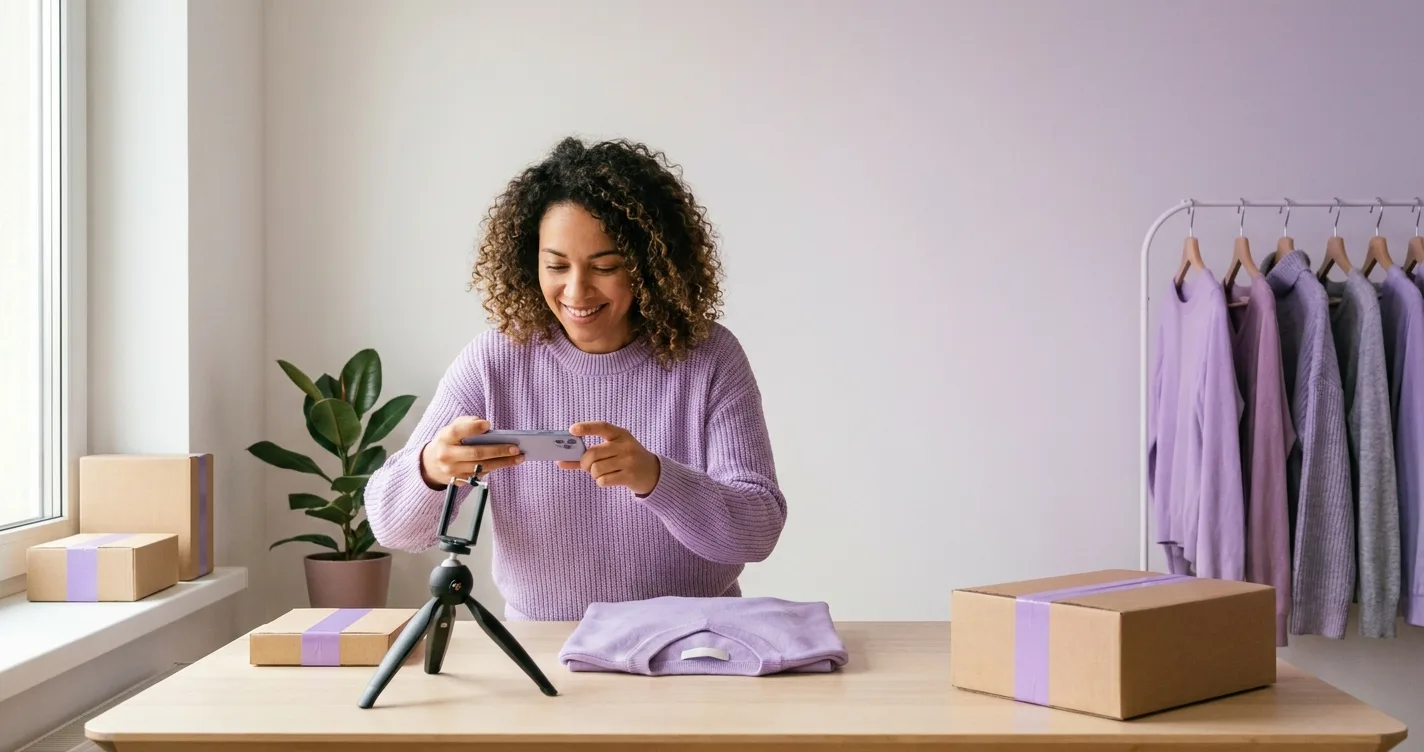
The Photography Challenge for Small E-commerce Stores
Starting an e-commerce store is expensive enough without adding thousands of euros for product photography. Yet professional product photos are essential for success. Small store owners face a dilemma: they need quality images but can't afford traditional photography costs.
The Reality:
- Traditional product photography: €1,000-2,500 per session
- Small stores typically have 20-100 products
- Initial photography costs: €20,000-250,000
- Most small stores can't afford this
But there's good news: you don't have to choose between quality and budget. Affordable solutions exist that deliver professional results.
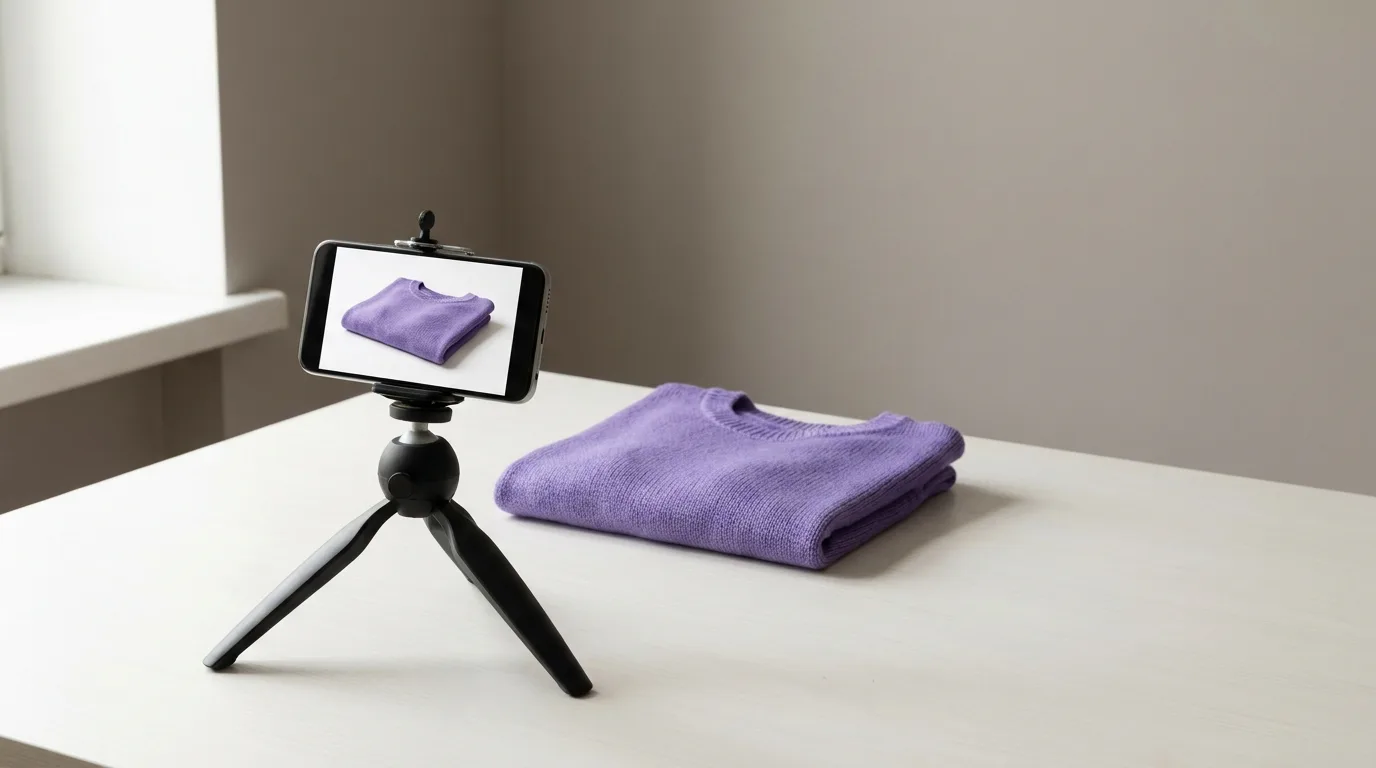
Why Small Stores Struggle with Product Photography
Budget Constraints
Small e-commerce stores operate on tight budgets. Every euro counts, and spending thousands on photography can mean the difference between launching and not launching at all.
Limited Product Volume
Small stores may only have 20-50 products initially. Traditional photographers often have minimum order requirements or charge premium rates for small batches.
Frequent Updates
Small stores need to add new products regularly to grow. Each new product requires new photos, making traditional photography costs unsustainable.
Uncertain ROI
Without proven sales, it's hard to justify large photography investments. Small store owners need solutions that scale with their business.
Affordable Solutions for Small E-commerce Stores
1. AI Virtual Try-On (Best Value)
Cost: €29.99-79.99/month
Best for: Clothing, fashion, accessories
AI virtual try-on technology offers the best balance of cost and quality for small stores. For less than the cost of one traditional photo shoot, you get unlimited professional product photos.
Advantages:
- Low monthly cost (€29.99-79.99)
- Unlimited photos
- Professional quality
- No minimum orders
- Scales as you grow
- Quick turnaround (minutes, not weeks)
Real Example: A startup fashion store with 30 products created professional product photos for €360/year instead of €30,000+ for traditional photography.
2. DIY Flat Lay Photography
Cost: €0-300 (one-time equipment)
Best for: Accessories, small items, simple products
With basic equipment and good lighting, you can create professional flat lay photos yourself.
What You Need:
- White backdrop or surface (€20-50)
- Good lighting (natural or LED lights, €50-150)
- Smartphone or camera (you likely already have)
- Photo editing app (free or €10-20/month)
Limitations:
- Doesn't work well for clothing
- Requires photography skills
- Time-consuming
- Inconsistent results
3. Student Photographers
Cost: €200-500 per session
Best for: One-time shoots, specific needs
Photography students often charge much less than professionals while still delivering quality results.
Advantages:
- Lower rates
- Quality results
- Flexible scheduling
Limitations:
- Less experience
- May need more direction
- Availability can be inconsistent
- Still expensive for frequent updates
4. Combination Approach
Cost: Varies
Best for: Stores wanting flexibility
Combine multiple methods:
- AI virtual try-on for most products
- DIY flat lay for simple items
- Student photographer for special collections
Cost Comparison for Small Stores
| Solution | Initial Cost (30 products) | Annual Cost | Scalability |
|---|---|---|---|
| Traditional Photography | €30,000-75,000 | €20,000-50,000 | Low |
| AI Virtual Try-On | €29.99-79.99 | €360-960 | High |
| DIY Flat Lay | €0-300 | €0-500 | Medium |
| Student Photographer | €6,000-15,000 | €4,000-10,000 | Low |
Why AI Virtual Try-On is Ideal for Small Stores
1. Low Entry Cost
Starting at just €29.99/month, AI virtual try-on is accessible even for the smallest budgets. No large upfront investment required.
2. Pay-As-You-Grow
Start with a basic plan and upgrade as your store grows. You only pay for what you need, when you need it.
3. Unlimited Photos
Create as many product photos as you need without additional costs. Perfect for stores that frequently add new products.
4. Professional Quality
Get professional-quality images that compete with expensive traditional photography, without the high costs.
5. Fast Turnaround
Generate product photos in minutes, not weeks. Launch products immediately without waiting for photo shoots.
6. Easy to Use
No photography skills required. Simply upload your product images and generate professional photos with a few clicks.
Getting Started: Step-by-Step Guide
For New Stores:
- Start with AI virtual try-on - Sign up for a basic plan (€29.99/month)
- Create product photos - Generate professional images for your initial product catalog
- Launch your store - Upload images and go live
- Scale as you grow - Add new products and generate photos as needed
For Existing Stores with Poor Images:
- Audit current images - Identify which products need better photos
- Prioritize - Start with best-sellers or products with worst current images
- Upgrade gradually - Replace images product by product as budget allows
- Track results - Monitor conversion rates to see improvement
Real Success Stories from Small Stores
Sarah's Boutique - Startup Fashion Store
- Started with 25 products
- Budget: €500/month total
- Solution: AI virtual try-on (€29.99/month)
- Result: Professional product photos for all products, launched successfully, now has 150+ products
Urban Threads - Men's Clothing
- Had 40 products with amateur photos
- Conversion rate: 0.5%
- Upgraded to AI virtual try-on
- Result: Conversion rate increased to 1.8%, revenue doubled in 3 months
Accessory Hub - Small Accessories Store
- Combined DIY flat lay + AI virtual try-on
- Used flat lay for simple items, AI for complex products
- Result: Professional catalog with minimal investment
Tips for Maximizing Your Photography Budget
1. Start Small
Don't try to photograph everything at once. Start with your best-selling or most important products.
2. Focus on Quality Over Quantity
Better to have 20 products with excellent photos than 100 with mediocre ones.
3. Use Consistent Style
Maintain consistency across all product photos for a professional look, even with limited budget.
4. Optimize What You Have
Before creating new photos, optimize existing ones with good editing and proper sizing.
5. Plan for Growth
Choose solutions that scale with your business, not just what works for your current size.
Common Mistakes Small Stores Make
1. Waiting for Perfect
Don't wait until you can afford expensive photography. Start with affordable solutions and upgrade later.
2. Inconsistent Quality
Mixing amateur and professional photos looks unprofessional. Choose one approach and stick with it.
3. Ignoring Mobile
Ensure your photos look great on mobile devices, where most customers shop.
4. Not Optimizing
Large, unoptimized images slow down your site and hurt SEO. Always optimize for web.
ROI for Small Stores
Let's look at the return on investment for a typical small store:
Store Profile:
- 30 products
- €5,000/month revenue
- 1% conversion rate
With Professional Photos (30% conversion increase):
- New conversion rate: 1.3%
- New revenue: €6,500/month
- Additional revenue: €1,500/month
- Annual additional revenue: €18,000
Investment:
- AI virtual try-on: €360/year
- ROI: 4,900%
Conclusion
Small e-commerce stores don't have to sacrifice quality for budget. With AI virtual try-on and other affordable solutions, you can create professional product photos that drive sales without breaking the bank.
The key is choosing solutions that:
- Fit your current budget
- Deliver professional quality
- Scale as you grow
- Provide quick turnaround
Start with TryClothesMagic's affordable AI virtual try-on platform and give your small store the professional product photos it needs to succeed.