What Is a Clothes Visualizer?
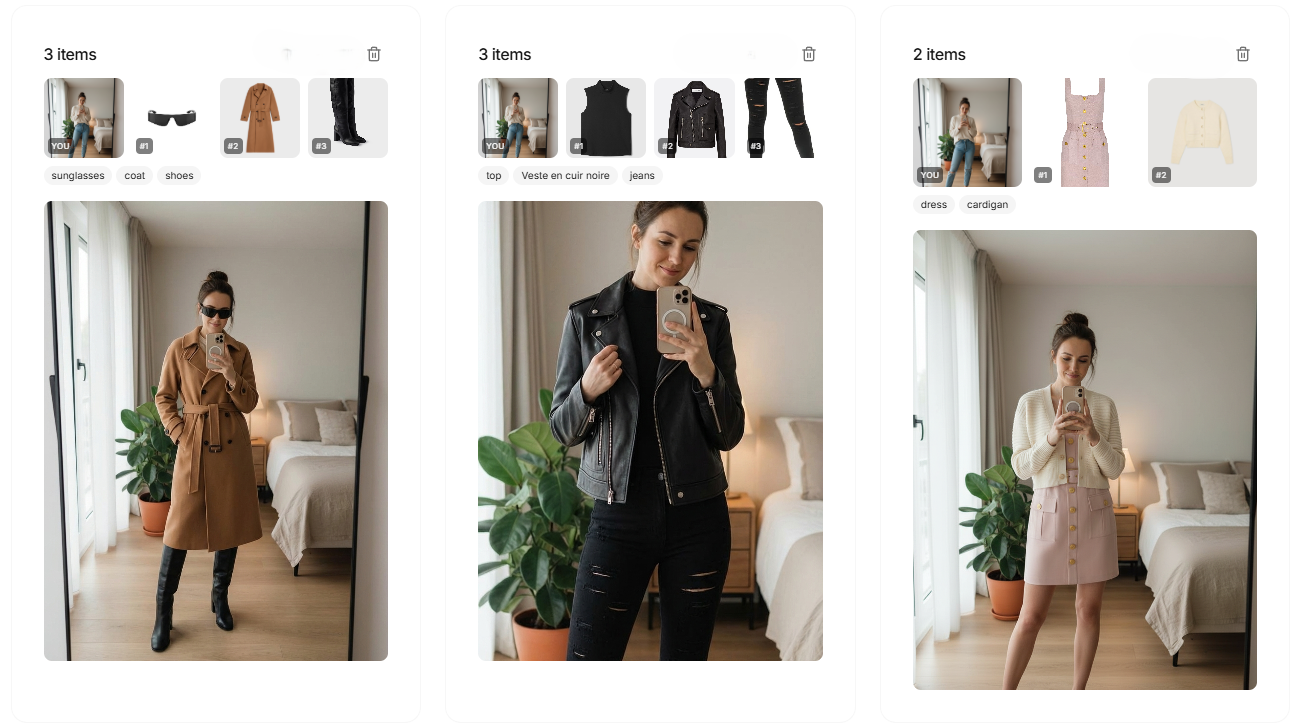
A clothes visualizer is a tool that shows you how a piece of clothing looks on you before you buy it. Instead of imagining the cut from a flat product photo or a model who looks nothing like you, you upload one photo of yourself and see the garment applied to your own silhouette. It answers the question every online shopper asks: "How will this actually look on me?"
Visualizer vs. AR Try-On: No App Required
Most people think "virtual try-on" means an augmented-reality app that uses your phone camera in real time. That approach needs AR support, good lighting, and often only works for a handful of items in one store. An AI clothes visualizer works differently, and more simply:
- No AR, no download: it runs from a photo, so any device with a browser works.
- Any garment: take the clothing image from any online store, marketplace, or resale listing.
- Your real body: the result is built on your actual photo, not a generic avatar.
How to Visualize Clothes on Yourself
- Take a clear photo of yourself standing straight, facing the camera, in even lighting on a plain background.
- Grab the garment image you want to try : a screenshot from a shop or a listing photo works.
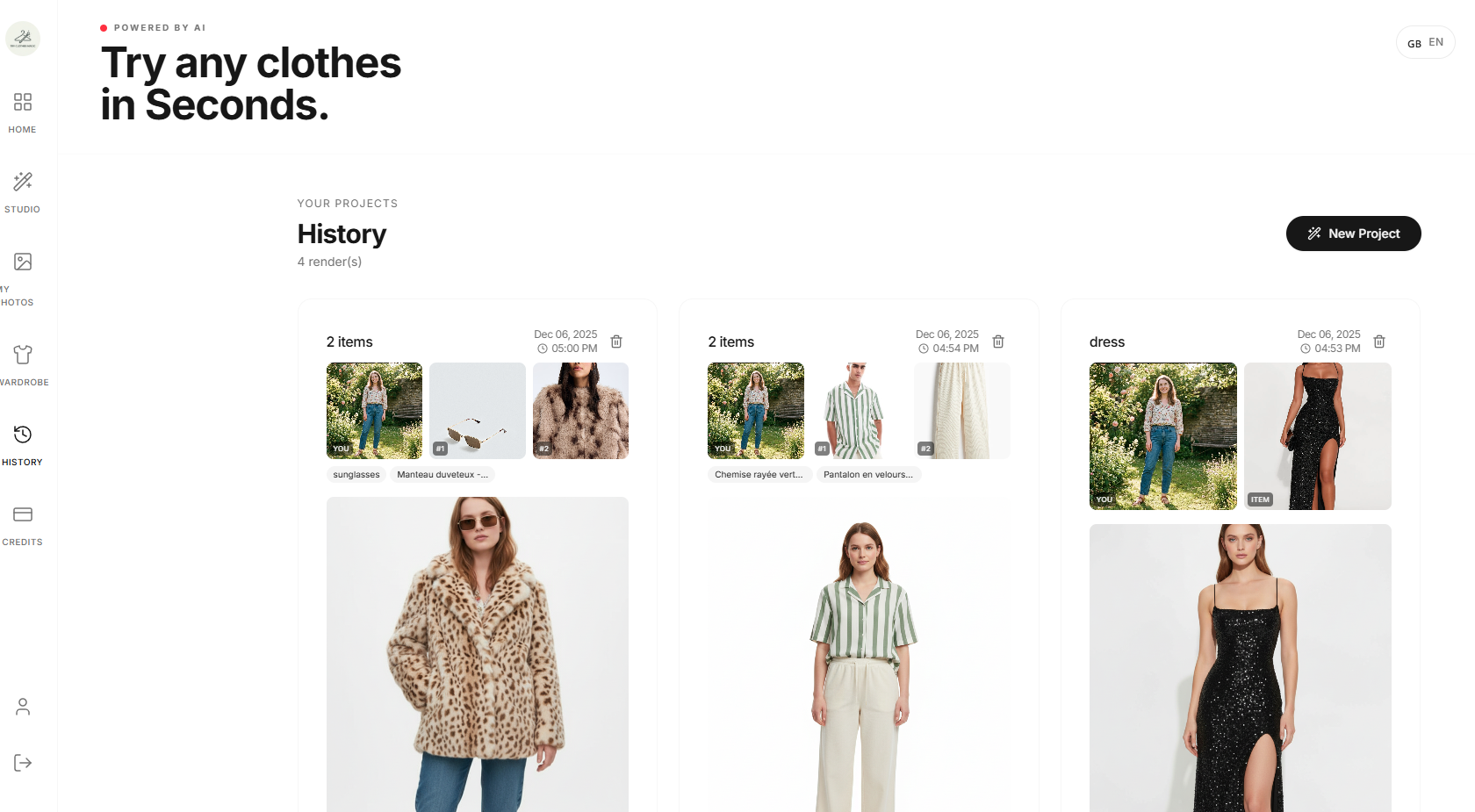
- Upload both into the visualizer.
- Review the result in seconds and decide if the cut, length, and color suit you.
Want to try it right now? Head to our virtual try-on tool and visualize your first outfit for free.
What You Can Actually Judge
A visualizer will not replace touching the fabric, but it settles the decisions that cause most returns:
- Silhouette: does the cut flatter your shape, or does it swamp you?
- Proportion and length: where a dress or jacket lands on your body.
- Color match: how a shade reads against your skin tone and hair.
- Styling: whether two pieces work together as an outfit.
Tips for the Most Accurate Preview
- Use a recent, well-lit, front-facing photo : avoid heavy filters.
- Wear fitted clothes in your source photo so the AI reads your outline clearly.
- Pick a clean garment image; busy backgrounds and extreme angles reduce accuracy.
- Compare two or three options in one session to make faster decisions.
Stop Guessing, Start Visualizing
Buying clothes online should not be a gamble. A clothes visualizer turns "I think this might fit" into "I can see it on me." With TryClothesMagic, preview any outfit on your own photo before you spend a euro.