
Why Use AI for a LinkedIn Photo?
A professional headshot session costs money and takes planning : booking a photographer, choosing a studio, waiting for edits. Many people simply never get around to it and keep a cropped party photo on their profile. An AI LinkedIn photo removes that friction: you upload a few normal selfies and get a clean, professional portrait with good lighting, a neutral background and appropriate attire, in minutes.
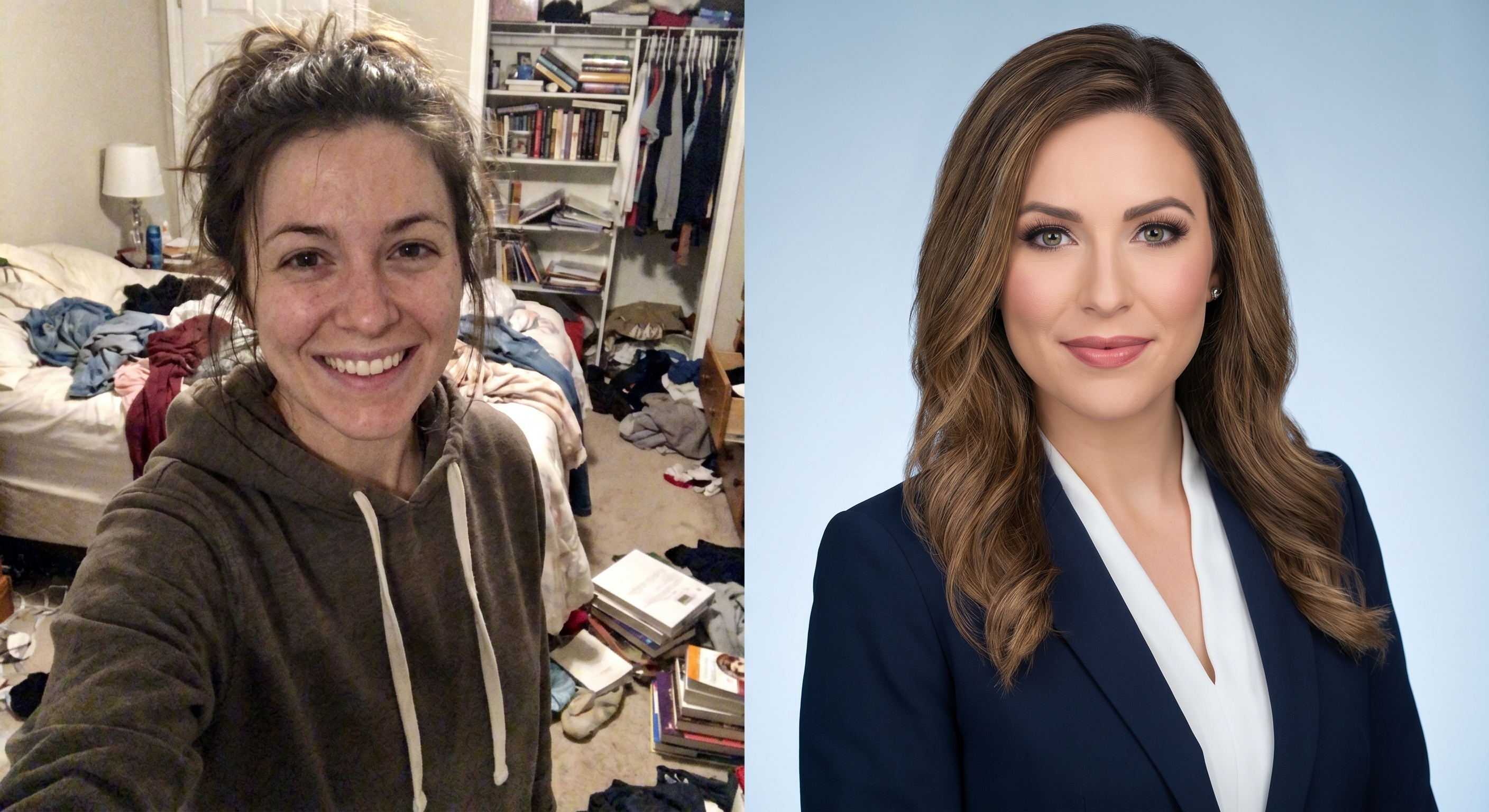
What a Good AI Headshot Gets Right
- Framing: head and shoulders, face taking up most of the frame.
- Lighting: soft and even, with no harsh shadows across the eyes.
- Background: a plain wall, a softly blurred office, or a neutral studio tone.
- Attire: a clean shirt, blouse or blazer, one notch above your daily norm.
- Expression: a relaxed, genuine look, eyes toward the camera.
How to Get a Natural, Believable Result
- Start with clear source selfies : good light, face unobstructed, a few different angles.
- Choose a professional background and outfit that fit your industry.
- Generate several variations and pick the one that still looks like you.
- Avoid over-retouching : the goal is "you on a good day", not a different person.
You can create yours with our AI LinkedIn photo generator.
Avoiding the "Too AI" Look
The most common mistake is a result that looks synthetic : plastic skin, mismatched lighting, or a face that no longer resembles you. To stay believable: use recent selfies where your features are clear, prefer natural skin texture over heavy smoothing, and pick the variation your close colleagues would recognize instantly. A headshot that people cannot match to the real you defeats the purpose.
Is an AI LinkedIn Photo Allowed?
Using an AI-enhanced headshot is fine as long as it genuinely represents you : same face, current appearance, honest framing. Think of it as a modern equivalent of studio retouching, not as inventing a new persona. Keep it accurate and it will serve you well across LinkedIn, your CV and professional directories.
Make a Strong First Impression
Your profile photo is the first thing a recruiter or client sees. With TryClothesMagic you can turn an ordinary selfie into a professional LinkedIn headshot in minutes, no studio, no photographer, no waiting.