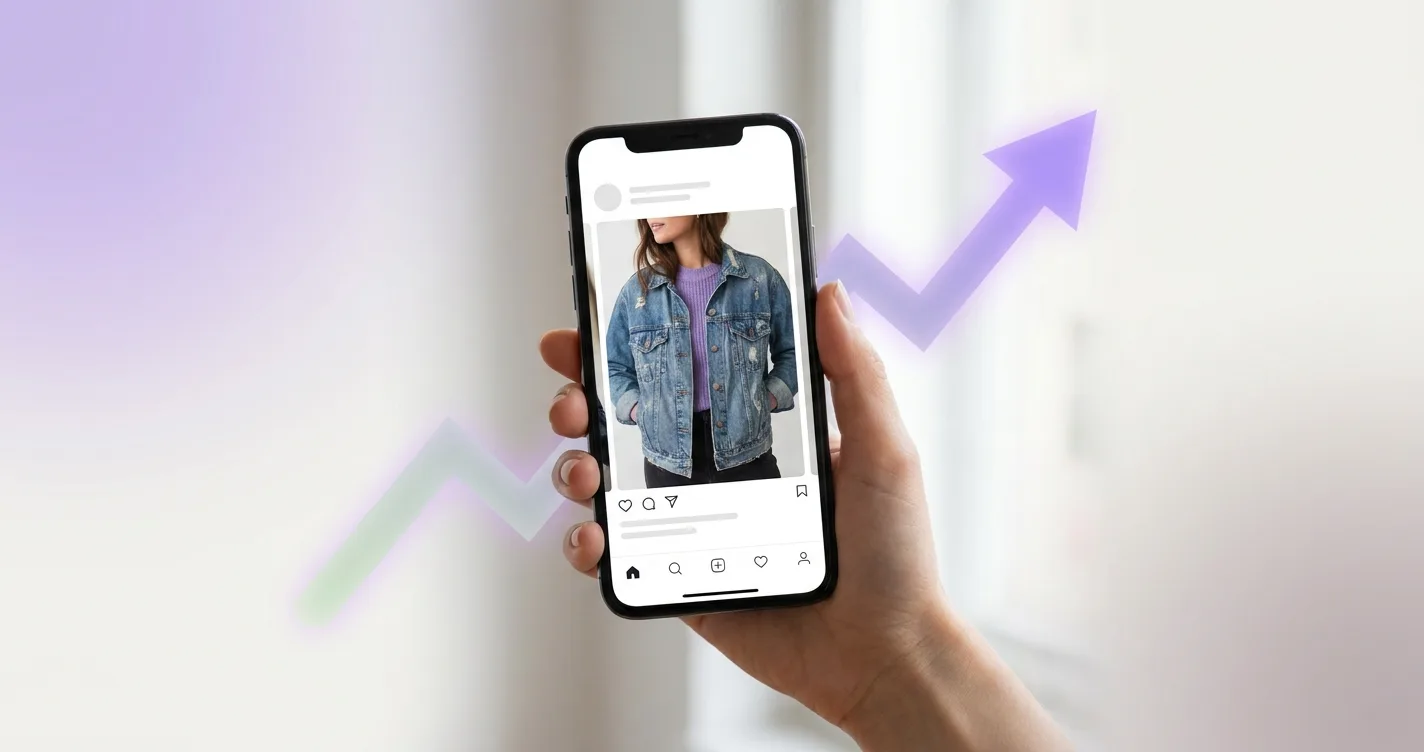
Why Virtual Try-On Matters for Vinted Sellers
As a Vinted seller, you know that high-quality photos are essential for making sales. But what if you could show potential buyers exactly how your items look on a real person? That's where virtual try-on technology comes in.
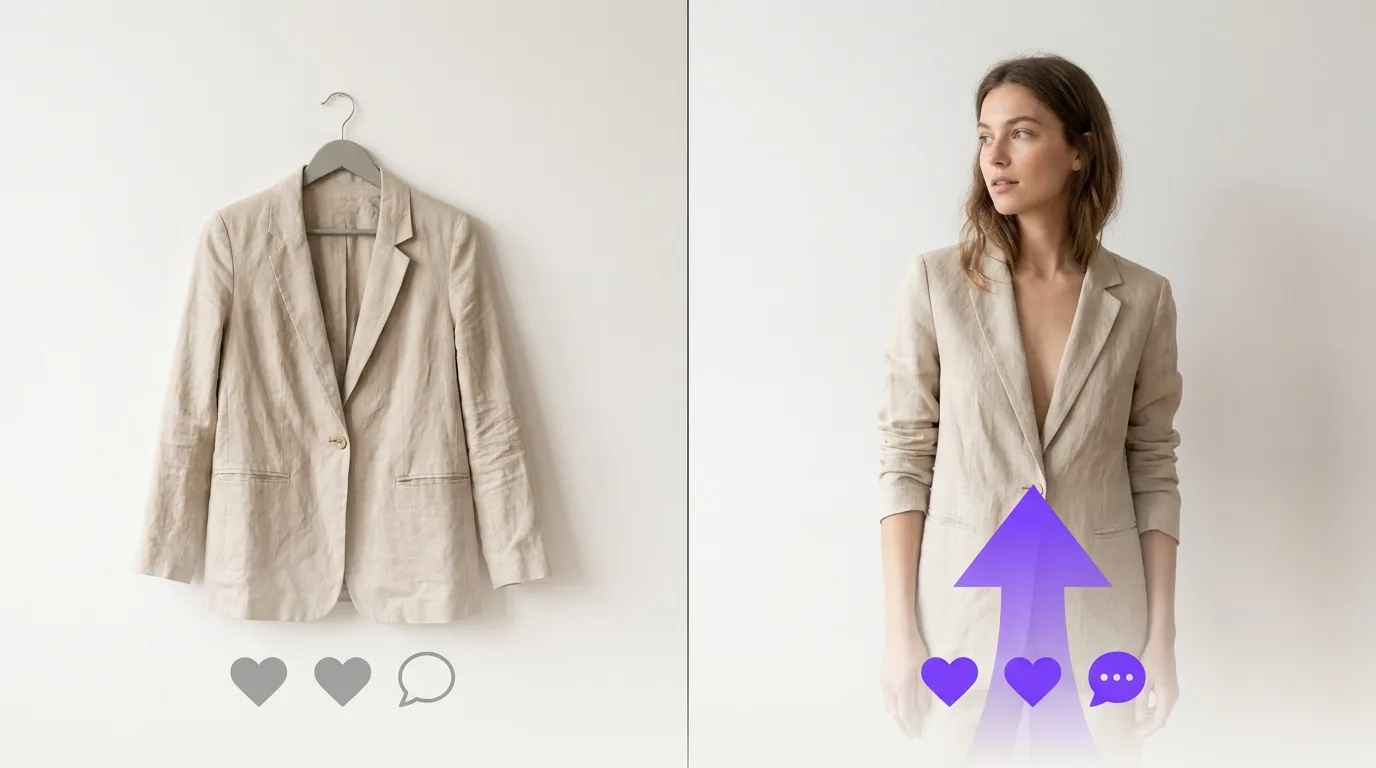
The Power of Visual Proof
When buyers can see how a garment fits and looks on a model, they're more likely to make a purchase. Virtual try-on photos provide this visual proof without requiring you to model the items yourself or hire a photographer.
Proven Results: 40%+ Sales Increase
Vinted sellers who use virtual try-on photos report:
- 40%+ increase in sales
- 50% reduction in buyer questions
- 30% faster time to sale
- Higher average selling prices
Step-by-Step Guide to Using Virtual Try-On for Vinted
Step 1: Choose Your Items
Start with your most valuable or slow-moving items. These are the ones that will benefit most from virtual try-on photos.
Step 2: Use AI Models
You don't need to model items yourself! Use TryClothesMagic's AI model catalog to select professional models that match your target audience. Choose models that represent your ideal customer.
Step 3: Create Try-On Images
Upload your clothing item photos and generate professional try-on images in seconds. The AI will automatically map the clothing to the model with realistic fit and appearance.
Step 4: Optimize Your Listings
Add the virtual try-on images to your Vinted listings. Place them prominently - ideally as the second or third photo after your main product shot.
Best Practices for Vinted Listings with Virtual Try-On
1. Use Multiple Angles
Show the item from different angles to give buyers a complete view. Include front, side, and back views when possible.
2. Highlight Key Features
Use virtual try-on to showcase how the item fits, drapes, and looks in motion. This helps buyers understand the garment's true appearance.
3. Match Your Target Audience
Choose AI models that match your target demographic. If you're selling women's clothing, use female models. Consider age, body type, and style preferences.
4. Write Compelling Descriptions
Combine your virtual try-on photos with detailed descriptions. Mention the fit, fabric, and how the item looks when worn.
Common Mistakes to Avoid
- Using only virtual try-on photos (always include flat lay photos too)
- Choosing models that don't match your target audience
- Not updating old listings with new try-on photos
- Forgetting to mention virtual try-on in your listing description
Real Success Stories
Marie, a Vinted seller from Paris, increased her monthly sales from €200 to €800 after adding virtual try-on photos to her listings. "Buyers can now see exactly how items fit, which eliminates most questions and hesitation," she says.
ROI of Virtual Try-On for Sellers
Consider the investment: A TryClothesMagic subscription costs less than hiring a photographer for one photoshoot, but you can create unlimited try-on photos for all your listings. The return on investment is clear.
Getting Started
Ready to boost your Vinted sales? Here's how to get started:
- Sign up for TryClothesMagic
- Browse the AI model catalog
- Upload your clothing item photos
- Generate professional try-on images
- Add them to your Vinted listings
- Watch your sales increase!
Conclusion
Virtual try-on technology is no longer a luxury - it's becoming essential for serious Vinted sellers. By showing buyers exactly how items look when worn, you're removing barriers to purchase and increasing your sales potential.
Start using virtual try-on today and join the sellers who are already seeing 40%+ increases in their Vinted sales.