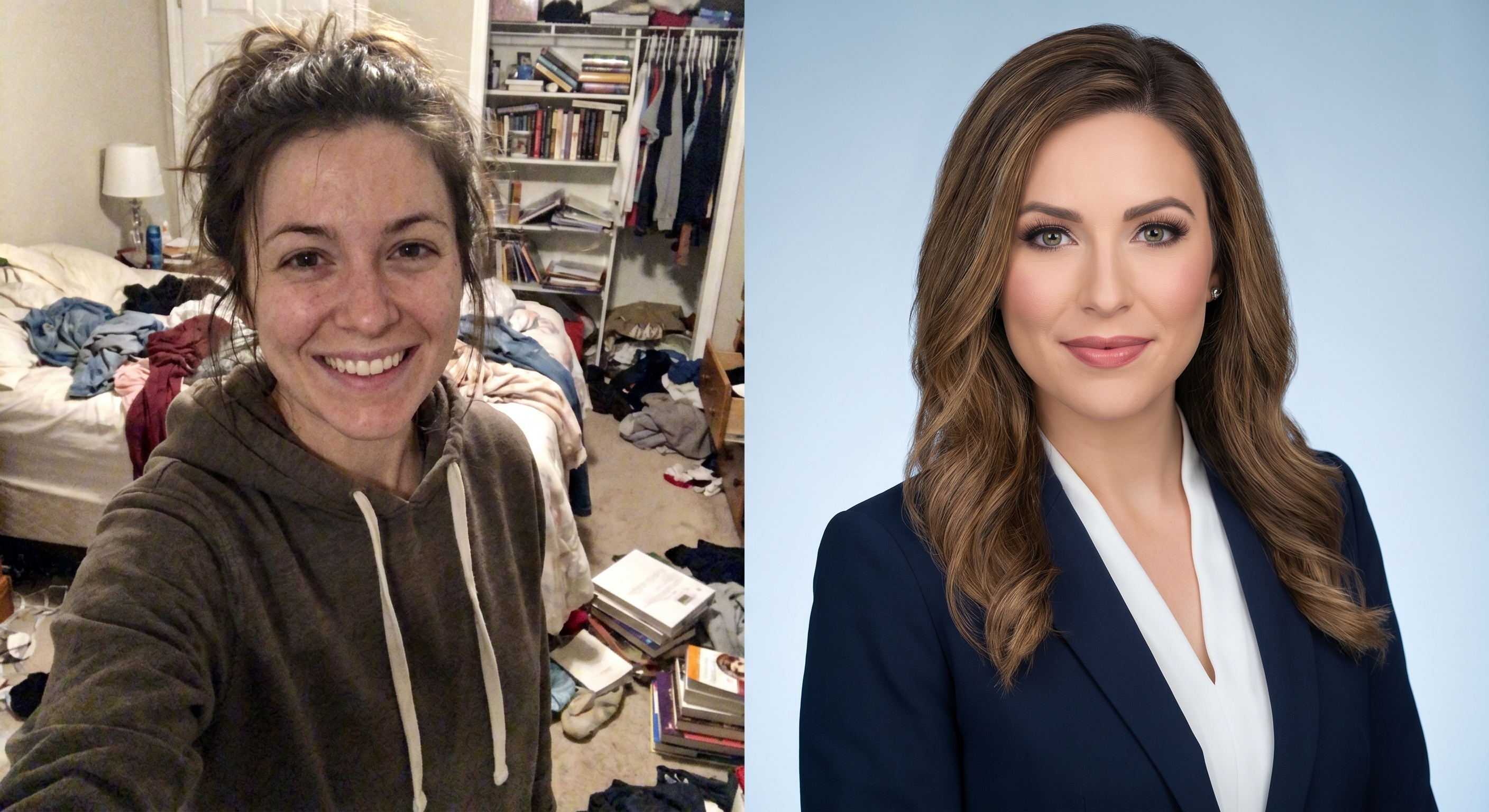
Your profile photo is the first thing a recruiter, client or future colleague sees. People form an impression in a fraction of a second, long before they read your headline. LinkedIn itself reports that members with a profile photo receive far more profile views and connection requests than those without one. A blurry, cropped or missing photo quietly costs you opportunities.
The Rules of a Good LinkedIn Photo
A strong profile photo is not about being photogenic : it follows a few simple, repeatable rules:
Framing: head and shoulders, with your face taking up roughly 60% of the frame. Not a full-body shot, not an extreme close-up.
Eyes on the camera: look straight at the lens with a relaxed, natural expression. A slight, genuine smile reads as approachable and confident.
Lighting: soft, even light. Natural daylight near a window is ideal. Avoid harsh shadows and overhead lighting that darkens the eyes.
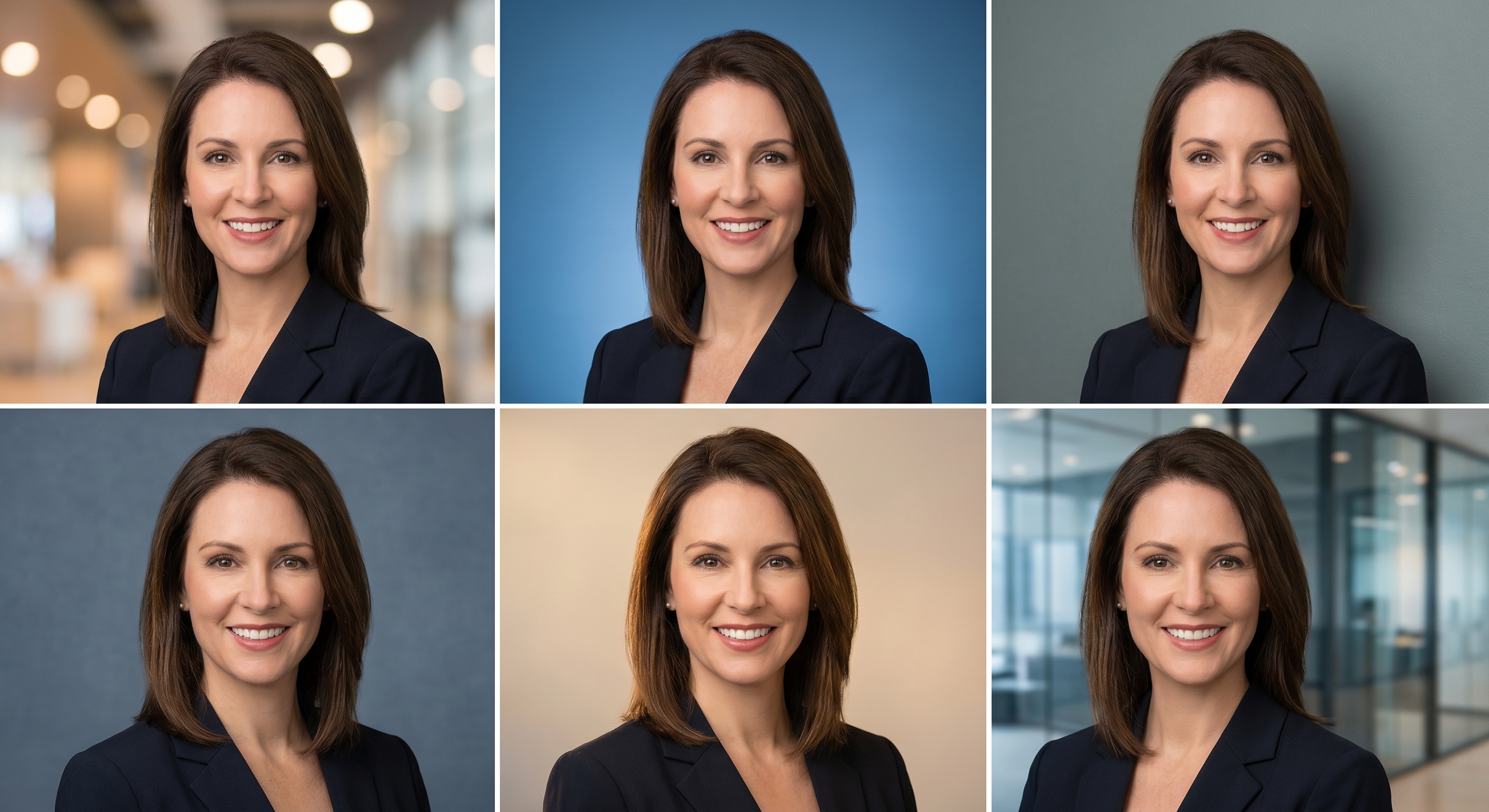
Background: simple and uncluttered, a plain wall, a softly blurred office, or a neutral studio tone. The background should never compete with your face.
Attire: dress one notch above your industry's daily norm. A clean shirt, blouse or blazer works for almost every field.
Resolution: upload a sharp, high-resolution image. LinkedIn recommends at least 400 × 400 pixels and accepts a square crop.
Recency: use a current photo of you alone, no group crops, no sunglasses, no hats, no party shots.
Common Mistakes to Avoid
A selfie taken in poor, uneven lighting.
A photo cropped out of a group or holiday picture.
Sunglasses, heavy filters or a distracting background.
A low-resolution image that turns pixelated when LinkedIn zooms it.
An outdated photo that no longer looks like you.
Your Three Options, and What They Really Cost
A professional photographer. The gold standard for quality, but it means booking a session, traveling, and paying a studio fee : often a significant cost for a single image, with a wait of days for the edited files.
Shooting it yourself. Free, but genuinely hard: getting the framing, lighting and a natural expression right on your own usually takes many attempts, and the background is rarely clean.
AI headshot generation. A fast middle ground: you upload a normal selfie and the AI produces professional-looking portraits in seconds, with a clean background and business attire.
How AI LinkedIn Photos Work
With TryClothesMagic's LinkedIn photo tool, the process is straightforward:
Upload a clear, front-facing selfie in good light.
Pick a background and an outfit : a neutral studio tone or a blurred office, and a shirt, blouse, blazer or suit. You can also keep the clothes you are already wearing.
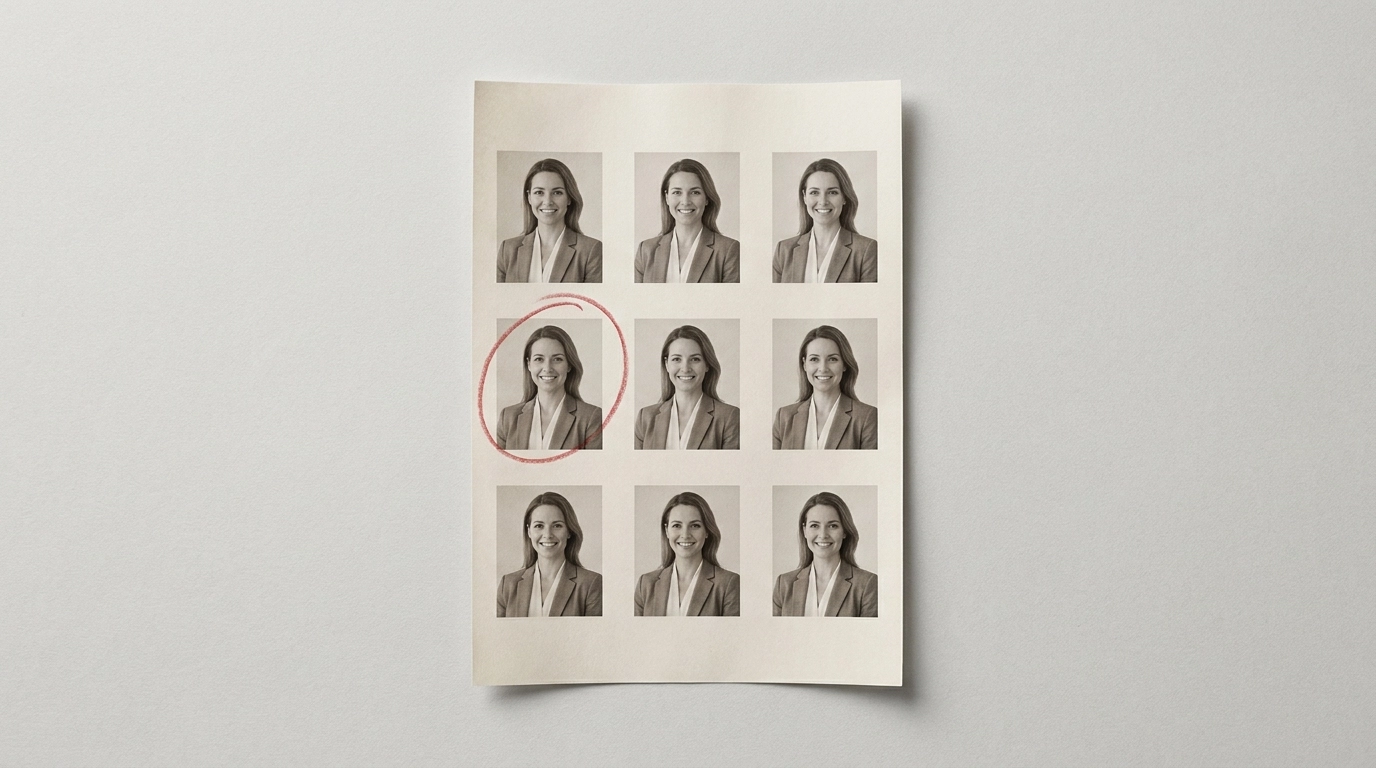
Generate a batch of portraits and download the ones you like best.
The model is built to preserve your face and features faithfully : only the outfit and background change according to your choices, so the result still clearly looks like you. Every account starts with 3 free credits and no credit card; HD downloads and premium backgrounds and outfits unlock with a subscription or a simple credit purchase.
Getting the Best AI Result
Start from a sharp, front-facing photo with your face clearly visible.
Use even lighting and avoid blur, profile angles or sunglasses.
Generate a batch and keep the most natural-looking portrait.
Match the background and outfit to your industry : neutral and understated travels well.
Get Your Professional LinkedIn Photo Today
You do not need a studio or a photographer to make a strong first impression. Upload a selfie, choose a background and outfit, and generate professional LinkedIn portraits with TryClothesMagic : free credits to start, no credit card required.
Try it on your own photo, right now
One photo is all it takes. No account, no card, and your photo is never stored. You see the result on your own face before deciding anything.